| Design 1, Design 3 (Computer and Video Games) |
|
| Unit 7 - 19th, 21st November 2002 |
Sound Essentials - Loops
How to save a soundfile as a looped one
First of all, open the sound you recorded or synthesized with SoundForge. (I use version 5, but SoundForge 4.5 does as well.

Next got to the "Special" menu and select "Edit Sample". In the dialogue box shown above you might want to check "Sustaining" and "Infinite Loop".
Save your file as a .wav format file notice that you have to keep the "Save Sampler Information in File" checkbox checked. Do not save Regions and Markers.

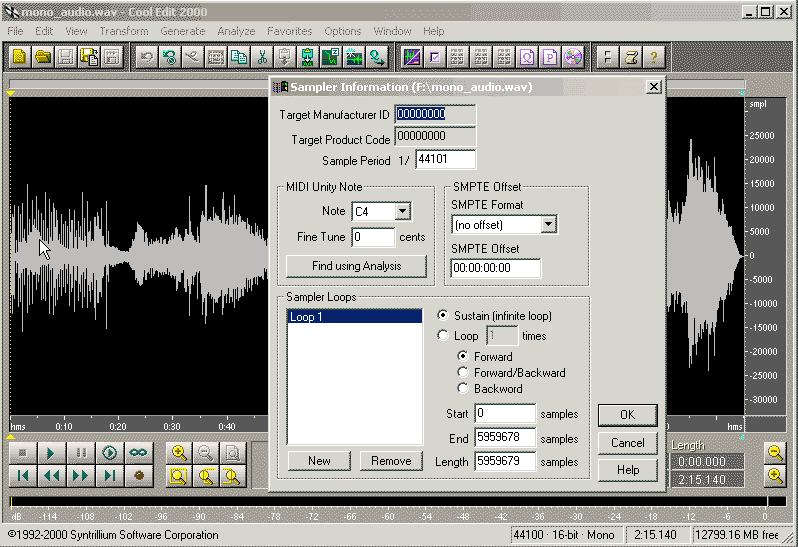
That's it for SoundForge users. CoolEdit users encounter a similar situation with a slightly different look.